Home/About Us/Smartphone Stereo Setup

Receivers · LA HABRA, CA

Smartphone Stereo SetupYour favorite music, within easy reach.

A receiver upgrade should make your everyday connections understandable. Bring the phone you actually use and explain which music, calling, and navigation tasks matter to you. The most useful feature is the one that works in your real routine.

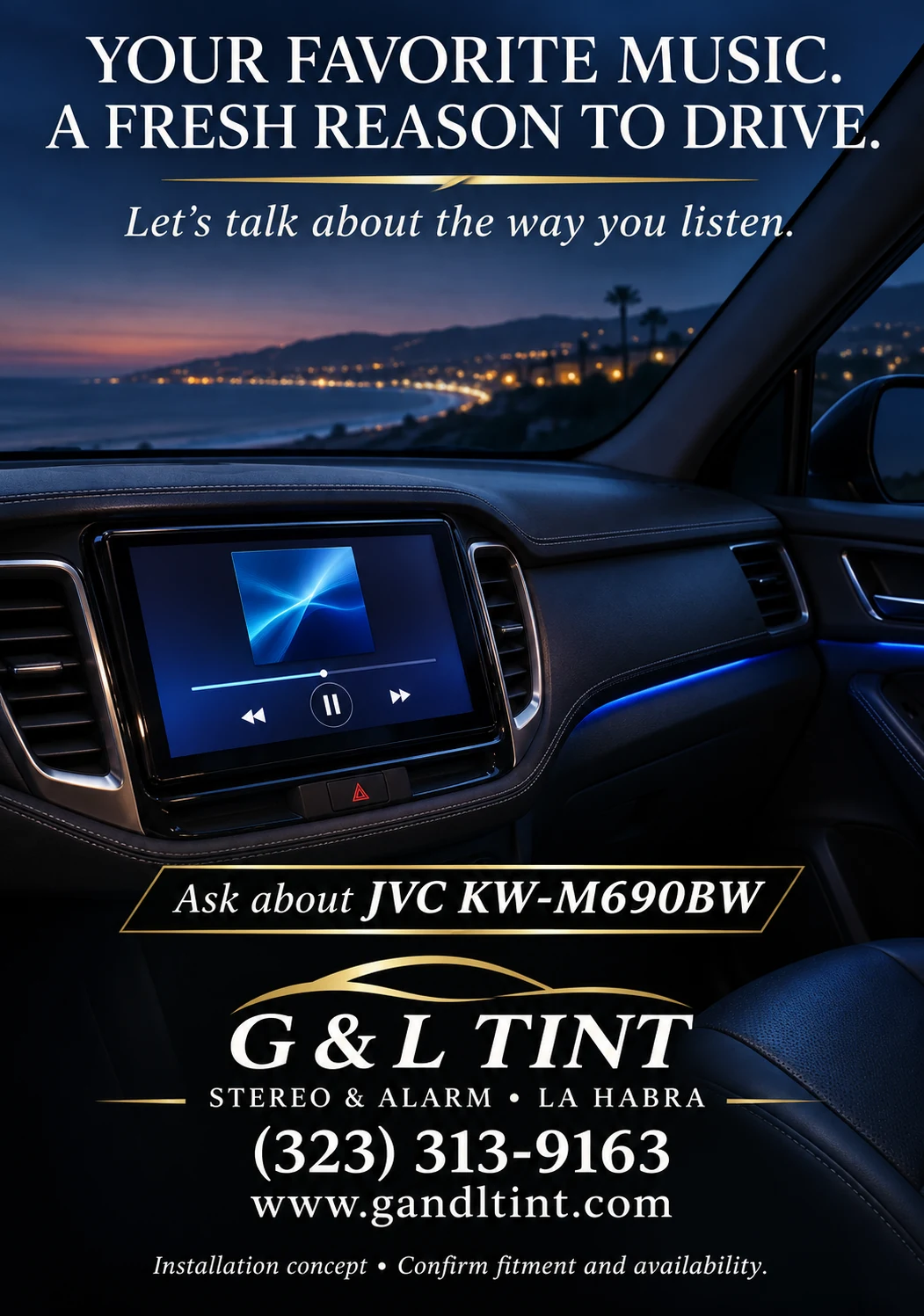
Blue-lit dashboard visualization featuring a JVC receiver.
Installation / system concept — illustrative image, not a completed customer job. Confirm equipment, fitment, features, and availability.

Confirm the exact connection method

Discuss the JVC KW-M690BW or another proposed receiver by exact model number. Ask which wired or wireless functions are supported and what your phone requires. Do not assume that similar-looking receivers have the same connection features.

Plan the physical details

USB location, cable access, and microphone position affect daily use. Mention where you normally keep your phone and whether more than one person uses the vehicle. Ask how any additional connections or mounting accessories will be included in the estimate.

Ask for setup before you leave

Bring a charged phone and the cable you normally use when appropriate. Request a walkthrough of supported pairing, source selection, and basic controls. Review operation while parked and confirm which functions depend on phone settings, applications, or a data connection.

A FEW USEFUL ANSWERS

Questions you might have.

Does every touchscreen support the same phone features?

No. Confirm the exact receiver specifications and phone compatibility before choosing a unit.

Can two drivers use the receiver?

Ask about supported devices and switching behavior for the exact model. Bring the drivers’ connection priorities into the plan.

YOUR QUESTIONS. OUR LOCAL SHOP.

You got a minute?
Let’s talk about it.

Bring your vehicle, your ideas, and the questions you’ve been meaning to ask. We’ll start with what matters to you.