Home/About Us/Receiver & Backup Camera Planning

Receivers · LA HABRA, CA

Receiver & Backup Camera PlanningA familiar car. A more useful dashboard.

If you are updating a daily driver’s radio, it is a good time to discuss how a compatible camera would work with the dashboard. Start with what is already installed and what you want the screen to show.

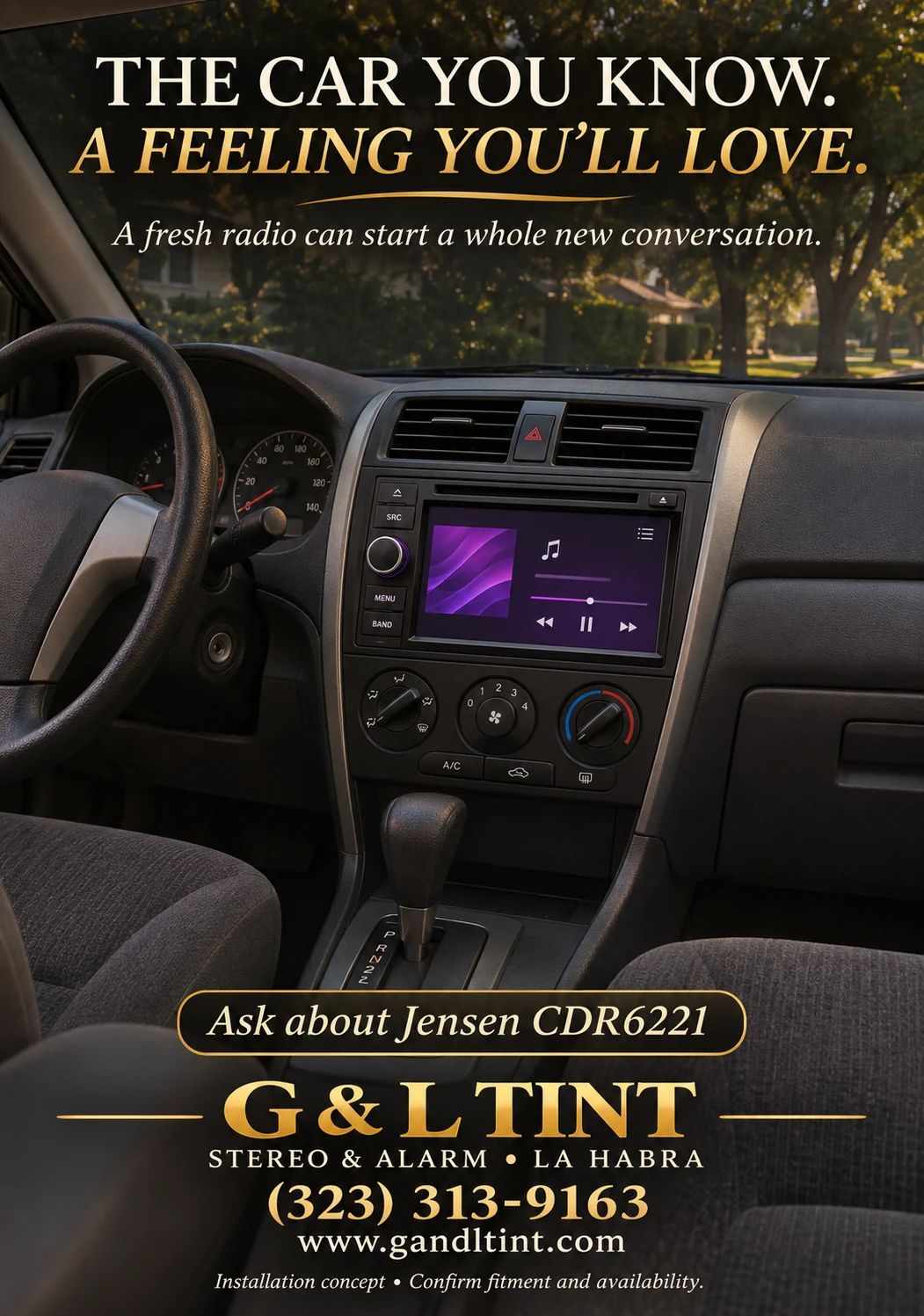
Daily driver dashboard with a conceptual Jensen receiver upgrade.
Installation / system concept — illustrative image, not a completed customer job. Confirm equipment, fitment, features, and availability.

Identify the camera you already have

A factory camera and an aftermarket camera may use different connections and interfaces. Bring the vehicle and any camera model information. Do not assume an existing camera will plug directly into a new receiver.

Confirm the receiver’s supported functions

If you are considering a Jensen CDR6221, ask the shop to verify its exact camera-related specifications and the required parts for your vehicle. Discuss how the display changes when the camera is in use and whether any factory functions need an interface.

Include routing and handoff in the estimate

Camera placement, cable routing, connections, and setup should be part of the written project scope. Ask to see the finished operation and review the display’s limitations. A camera is a supplementary view; it does not replace checking your surroundings.

A FEW USEFUL ANSWERS

Questions you might have.

Will a new touchscreen retain my factory camera?

Possibly, with the right compatibility and interface. Confirm the vehicle, receiver, and camera together.

Does the dashboard concept include a camera installation?

The image illustrates a receiver upgrade. Any camera equipment and installation must be specified separately.

YOUR QUESTIONS. OUR LOCAL SHOP.

You got a minute?
Let’s talk about it.

Bring your vehicle, your ideas, and the questions you’ve been meaning to ask. We’ll start with what matters to you.